


CHURCH DIRECTORY
Wayside uses Church Center to securely house our digital church directory.
Church Center is free to use. Community members are in full control of how much they would like to share within the Wayside community.
PHONE + TABLET USERS
-

Step 1: Download the App
This link should send you to your app store. Alternatively, you can search in your phone’s app store “Church Center App.”
-

Step 2: Set Up
Follow the steps provided after downloading the app.
Click the button for an additional Visual Set Up Guide.
-

Step 3: Personalize
Add to your account:
- Your Email(s)
- Your Phone number(s)
- Your home address
- Your birthday*
- Medical notes
- Other family members*Note: Filling in your full birthday helps the Wayside team make future groups based on age groups.
To add/update your photo, click the light grey “Update photo.”
-

Step 4: Contact the Office
To be officially added to the directory, contact office@waysidefriends.org or speak with our Administrative Assistant at our weekly 5pm Sunday Gathered Worship gatherings.
This extra step is one many ways Church Center ensures that your information is secure and only shared with those a part of our community.
COMPUTER USERS
-
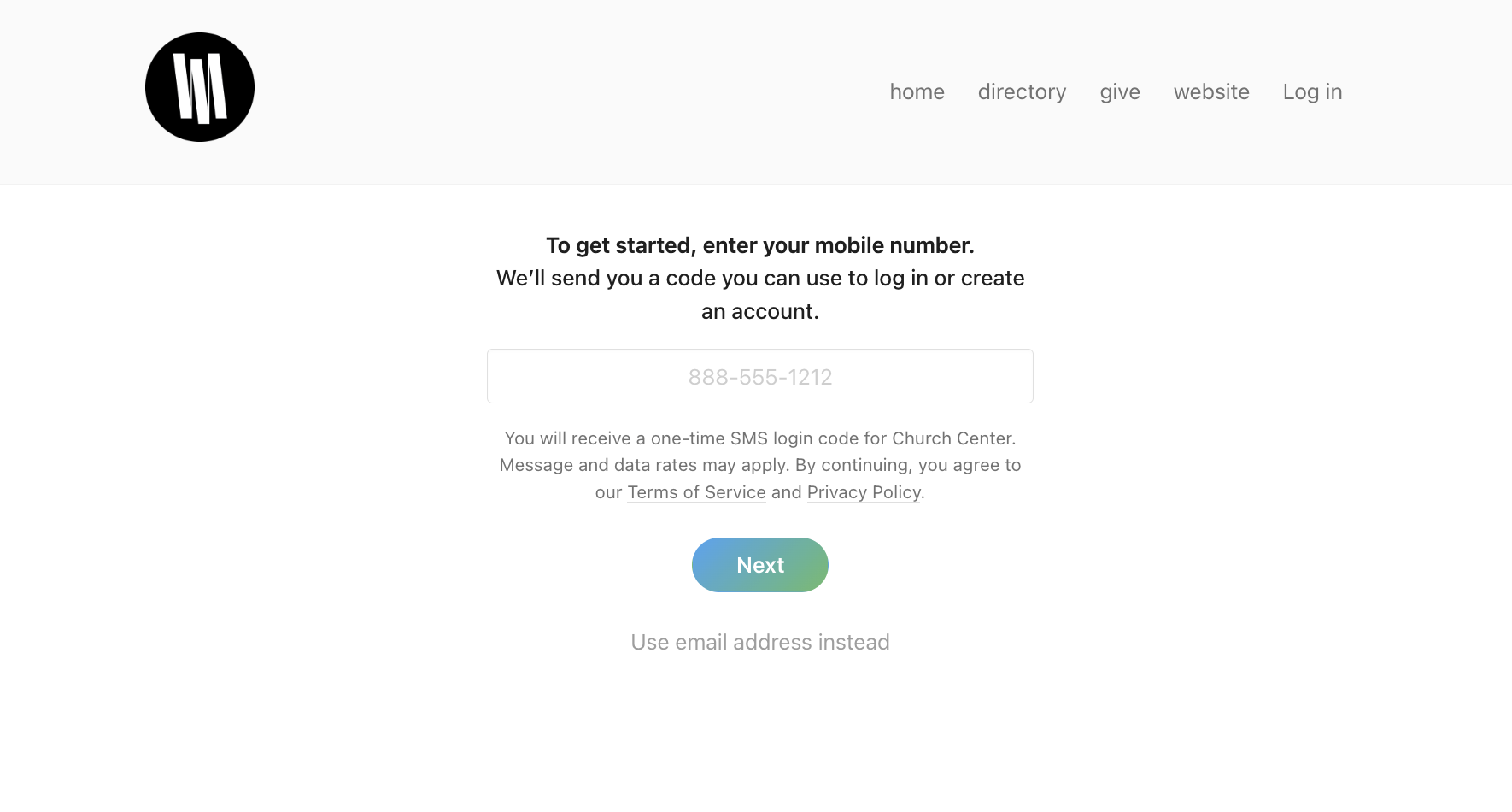
Step 1: Go to Wayside Church Center Page
Open a new tab and go to https://waysidefriends.churchcenter.com/home. Click the light grey “Log In” on the right corner.
-

Step 2: Set Up
Enter your phone number. Alternatively, click the light grey “Use email address instead.” You will now be guided through the set up process. You can also click the below button for an additional Computer Set Up Guide.
Tip: Use the phone number/ email address you’ve used with Wayside in the past. We may already have some of your information on file and will save you time creating an entirely new account.
-

Step 3: Personalize
Add to your account:
- Your Email(s)
- Your Phone number(s)
- Your home address
- Your birthday*
- Medical notes
- Other family members*Note: Filling in your full birthday helps the Wayside team make future groups based on age groups.
To add/update your photo, click the little grey pencil icon next the your initials.
-

Step 4: Contact the Wayside Office
To be officially added to the directory, contact office@waysidefriends.org or speak with our Administrative Assistant at our weekly 5pm Sunday Gathered Worship gatherings.
This extra step is one many ways Church Center ensures that your information is secure and only shared with those a part of our community.